Calories Counter AI
- Year
- 2026
- Role
- Lead product designer
- Services
- MobileAIUser testingWidgetsApple Watch
Snap a meal and know its calories in seconds.
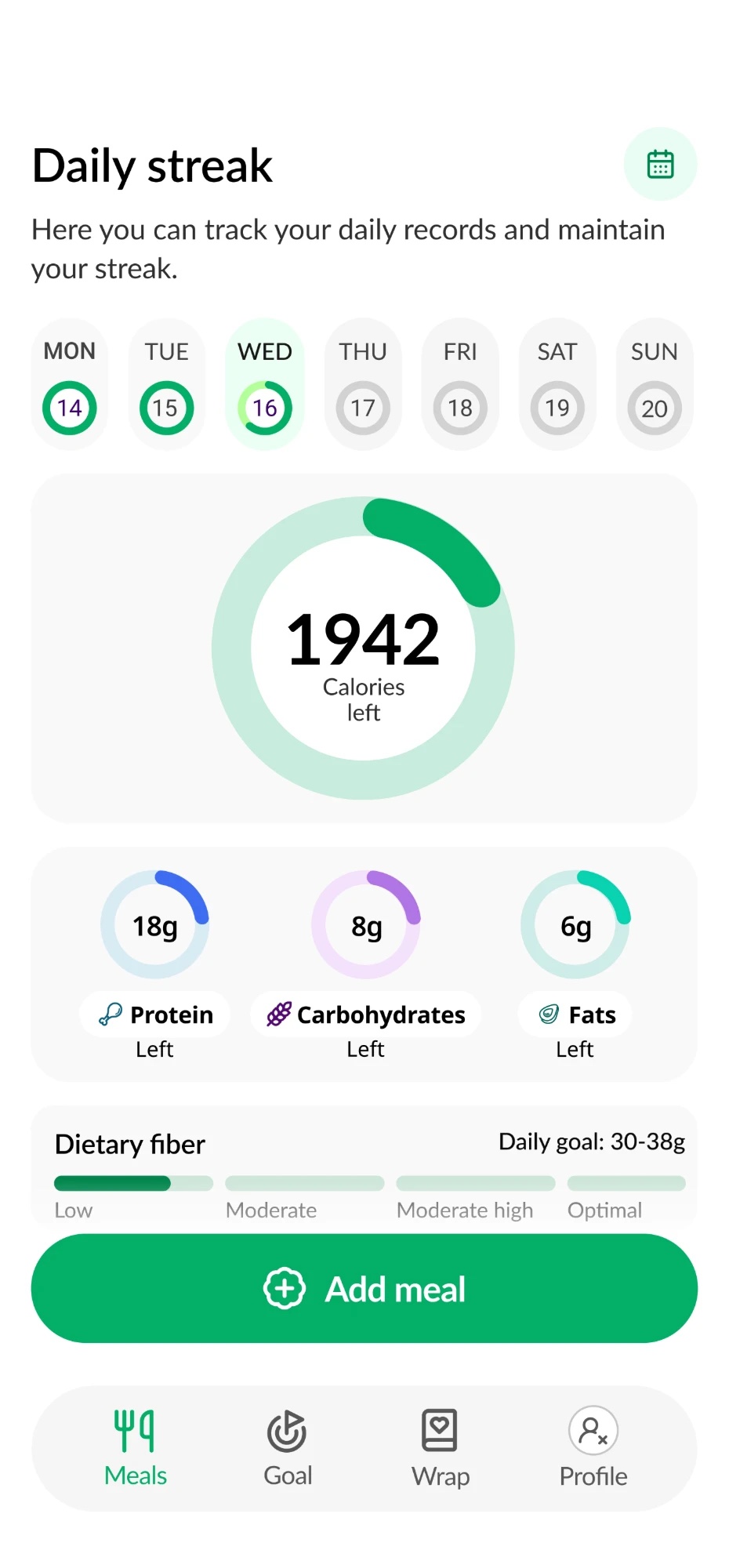
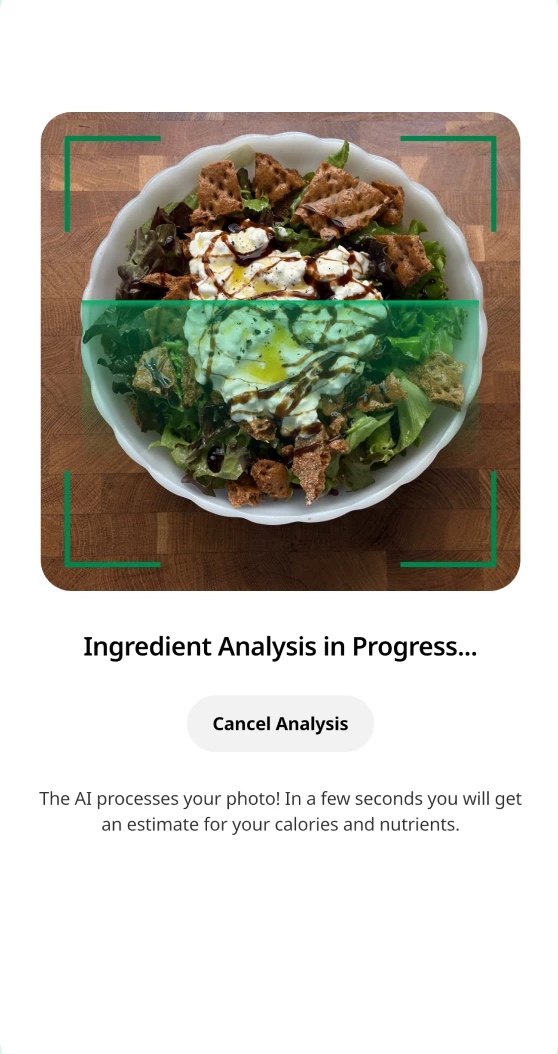
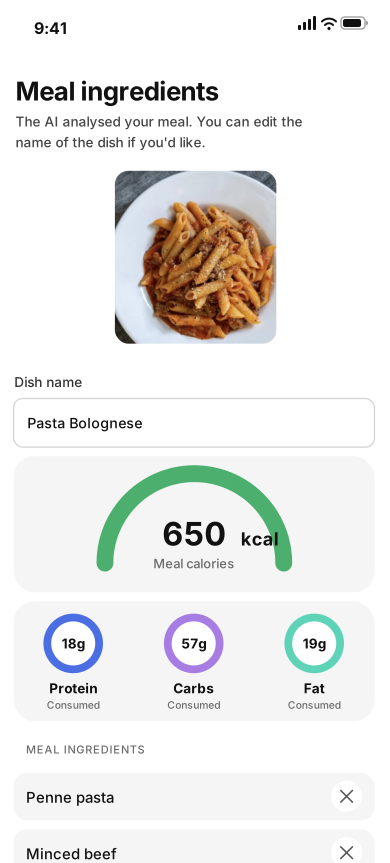
Calories from a photo
Point the camera at a meal and AI works out what's on the plate.
I took Calories Counter AI from that first idea to launch, shaped it through three rounds of user testing, and designed its iOS widgets in every size and its Apple Watch app.
03
Affinity mapping
Every comment from the 25 sessions went on a sticky note, coloured by how strictly that person tracks. Then we moved them around until the patterns showed.
- Relaxed trackers
- Balanced trackers
- Strict trackers
- Precise tracking: it added cheese to my salad and I couldn't take it off; 'about 200g' isn't good enough, I weigh everything; where do I put the olive oil??; I'd rather type it all in than fix the photo; it missed the dressing. that's like 150 cal; I checked every item twice. Led to: Ingredient editing.
- A goal to aim for: ok it's logged… but am I doing well?; I want a number to hit every day; how much do I have left for dinner?; by day 3 I forgot why I was logging; let me set my own target pls; a little 'well done' at night would be nice. Led to: Daily goal.
- Repeat meals: I eat the same oats every single morning; why scan my lunch again, it's the same lunch; I meal prep. same 4 meals all week; can I just save my usual breakfast?; logging the same thing daily = I'll quit; protein shake, every day, same scoop. Led to: Recipes.
- Fibre tracking: no fibre?? that's half the reason I track; my doctor told me to watch my fibre; I use a 2nd app just for fibre; show fibre next to protein & carbs; is this high in fibre? no idea; fibre matters as much as calories to me. Led to: Fibre tracking.
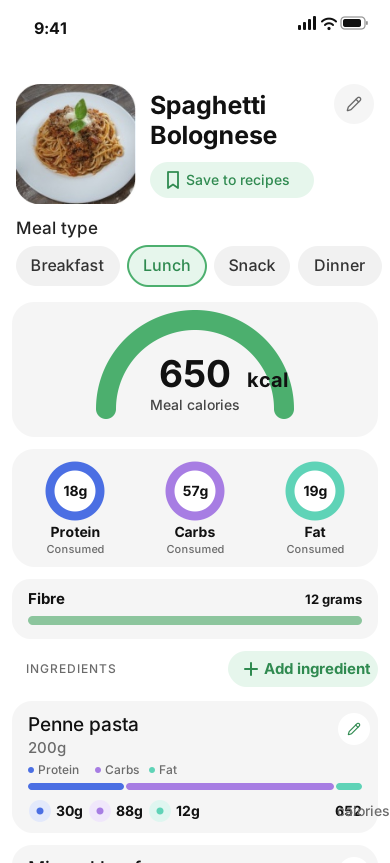
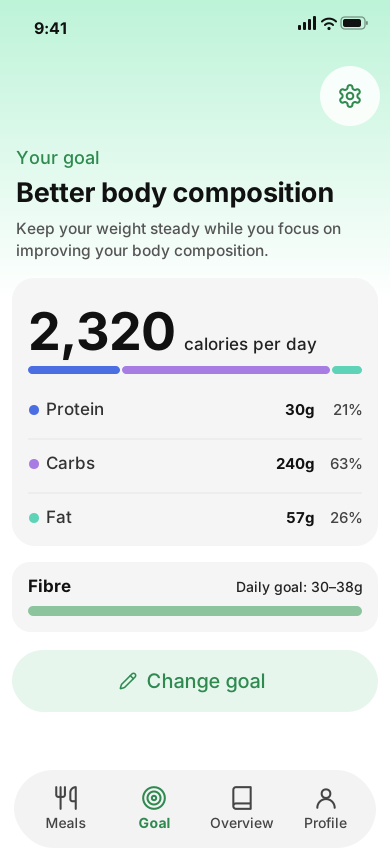
Patterns into features
Each pile on the wall became a change to the product.
Strict trackers can now add or remove any ingredient from a scanned meal. A personal daily goal keeps everyone on track. Recipes turn the meals people eat again and again into a single tap. And fibre sits right next to calories and macros.
06
Second round of user testing
We went back to 25 people from the same segments to measure what we'd changed, and ended every session with one question: what would you love to see next, that would add value if it existed? Their answers went on a new wall.
- Relaxed trackers
- Balanced trackers
- Strict trackers
- What users valued: logging lunch took me like 5 seconds; I actually open it every day now; my usual breakfast is one tap. love that; it got my whole plate right, even the sauce; fixing an ingredient is so quick now; watching the day fill up is weirdly fun. Led to: Keep it.
- Needs addressed: finally I can fix the grams myself; I know exactly what's left for dinner; fibre next to calories, that's what I needed; I deleted my spreadsheet; a number to hit keeps me going; I don't have to guess anymore. Led to: Validated.
- Request: packaged food: what about stuff in packets?; let me scan the barcode on my yogurt; protein bars already have the numbers on; a photo of a wrapper doesn't help much; half my snacks come in a bag; scanning the label would be faster. Led to: Barcode scan.
- Request: logging without a photo: I forgot to take a photo at lunch; how do I log my coffee?; drinks don't really photograph; let me just type 'two eggs and toast'; I ate out and the plate was gone; the wine at dinner counts too. Led to: Log by text.
06 · Second round of user testing
User feedback
Reviews people left after the second round: what they loved, and the need it met.
The AI's accuracy impressed me: it even recognises mum's home cooking! Finally, logging that doesn't wear me out.
I love the daily charts. I can see when I go over on carbs or fats and balance my next meal.
It helped me keep a calorie deficit without counting everything by hand. The weekly summary is a game-changer.
5 stars from me! Finally an app in Greek that doesn't complain when the plate has… a Greek salad.
An easy, practical app. Finally I can track exactly what I eat.
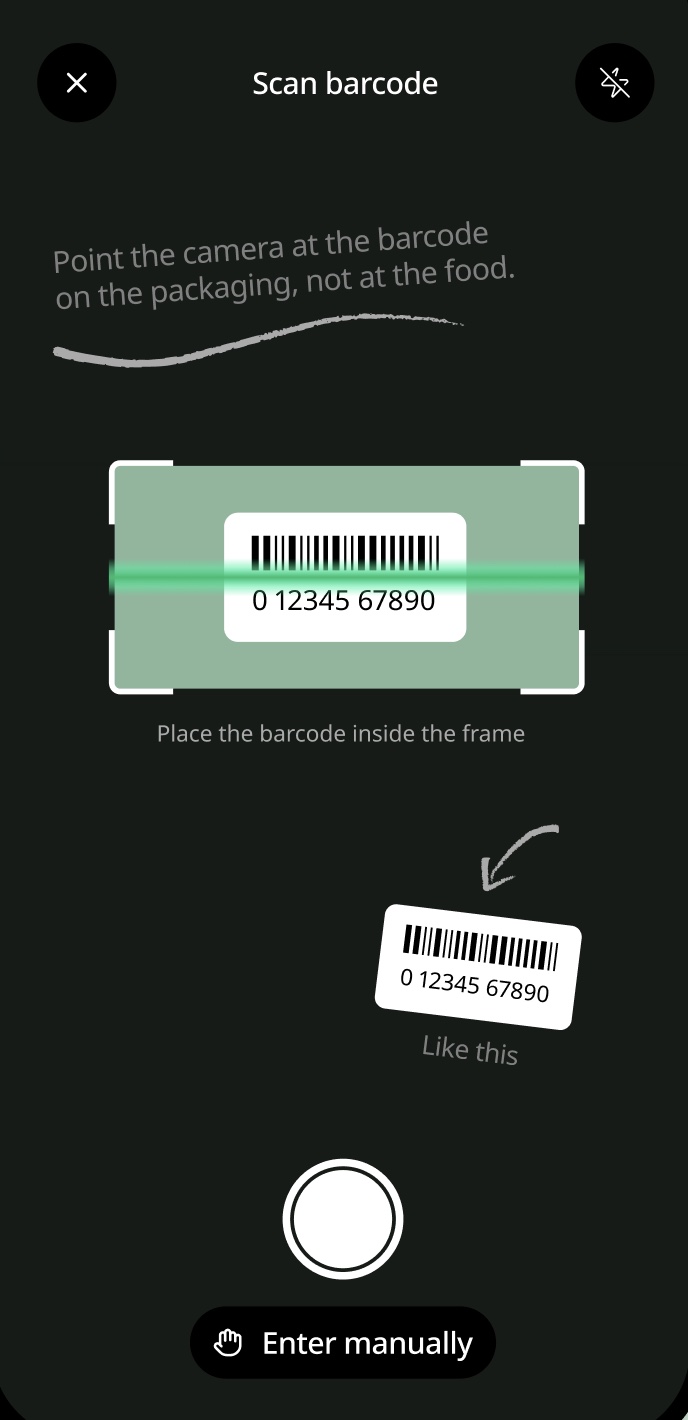
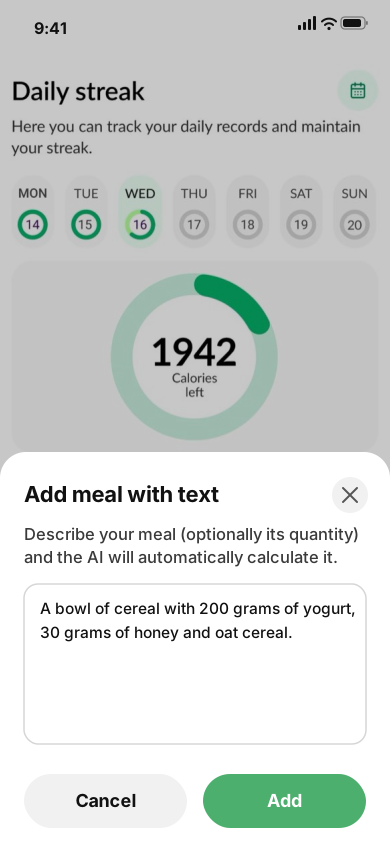
Barcode scan
From the first ask on the wall: anything in a packet, logged in a second.
Point the camera at the barcode and the nutrition on the label is logged straight away, no photo of the food needed.
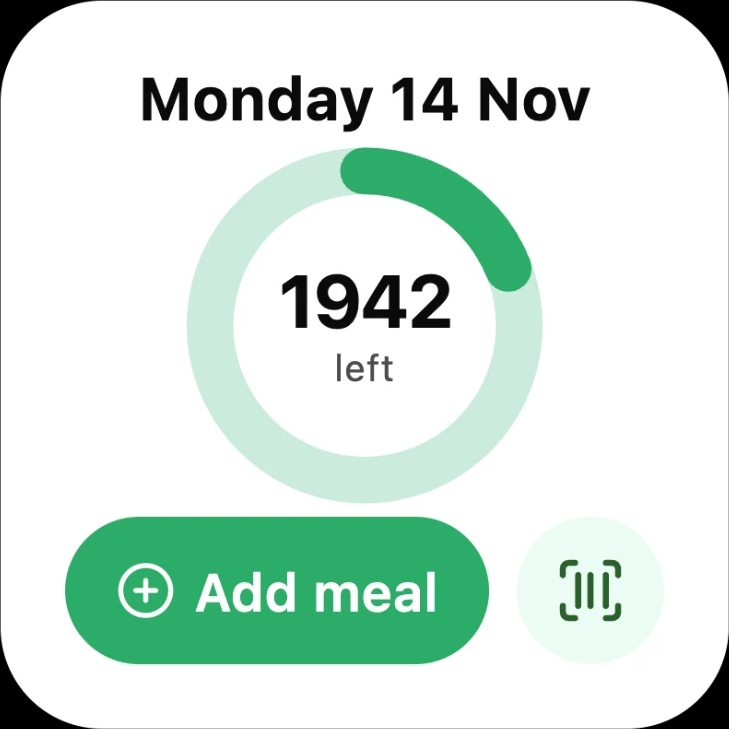
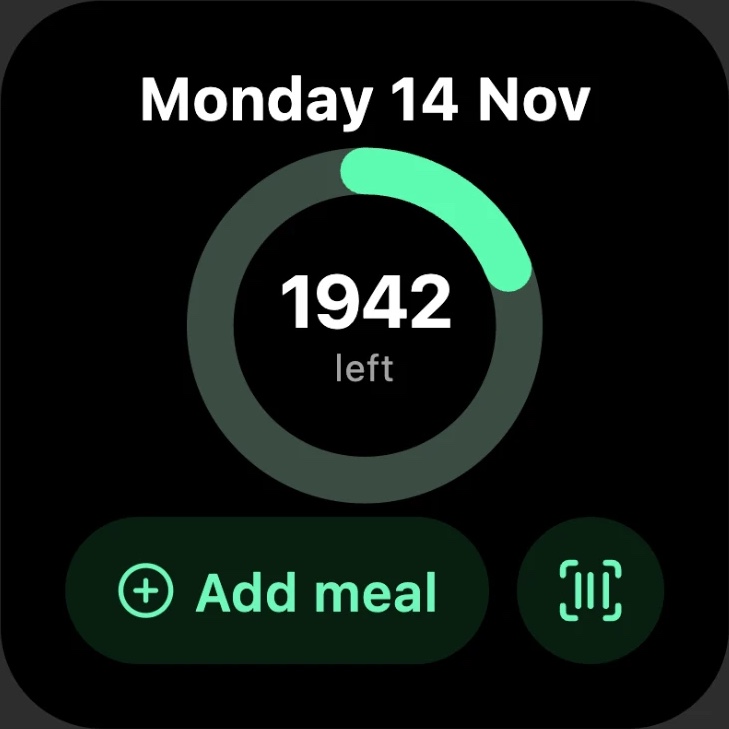
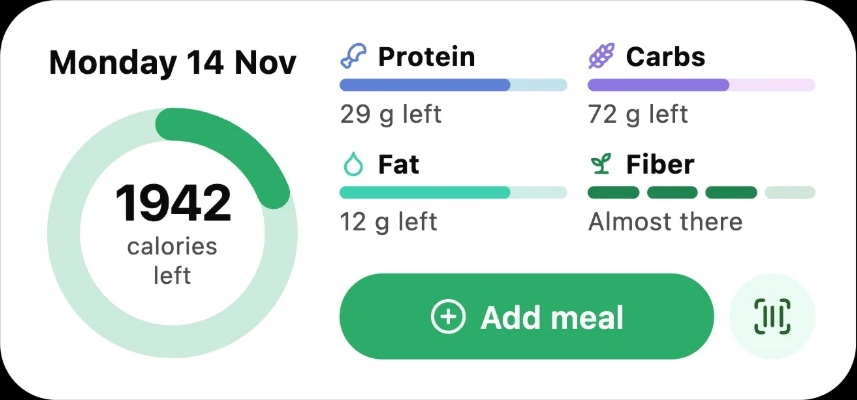
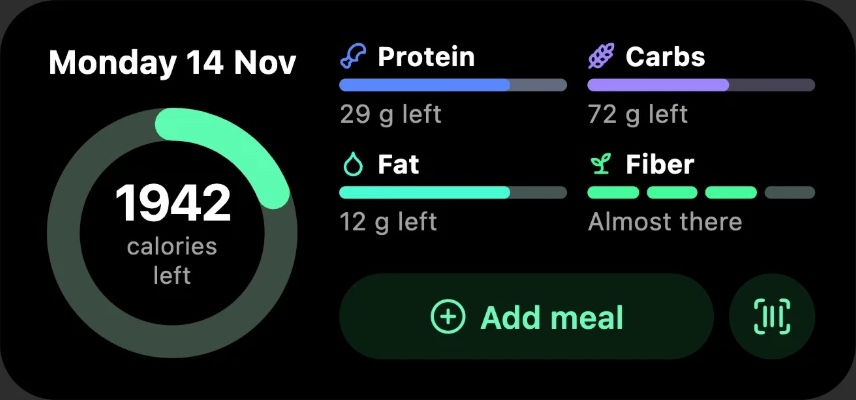
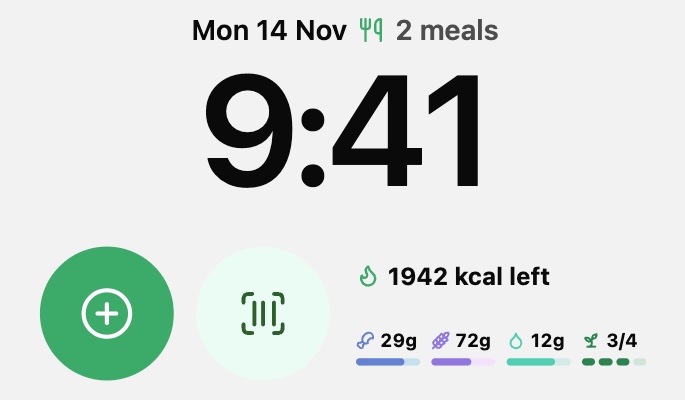
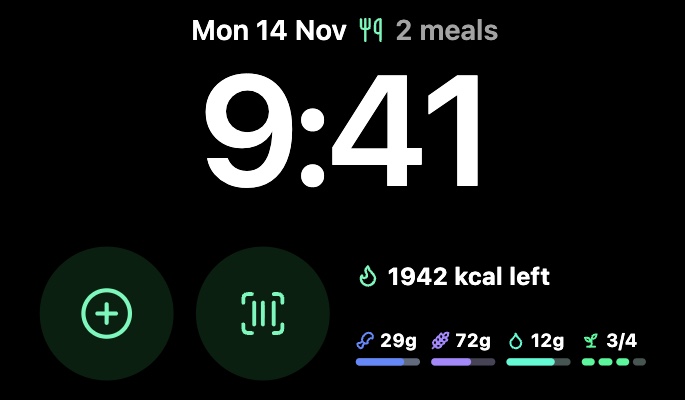
A month after launch, new requests emerged. Users wanted to stay on top of their day without opening the app. Widgets brought information to their Home Screen and Lock Screen, and the Apple Watch let them check progress at a glance.
10
Widgets & Apple Watch
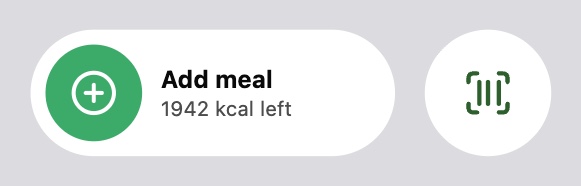
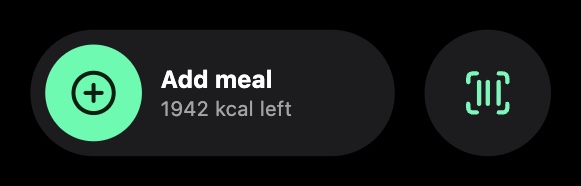
So I designed Home Screen widgets in two sizes, a Lock Screen layout, quick controls and an Apple Watch app, each in light and dark, so the day's progress is always a glance away.
Home Screen
Lock Screen
Controls
Apple Watch


Outcome
From a single photo to an app people rate 5.0, shaped by the people who use it.
01
8.9%
Conversion rate, above the category average
02
5.0★
Rating on the App Store
03
5.0★
Rating on Google Play
04
58
People tested: two rounds of 25, then 8 before launch
End of case study
Calories Counter AI